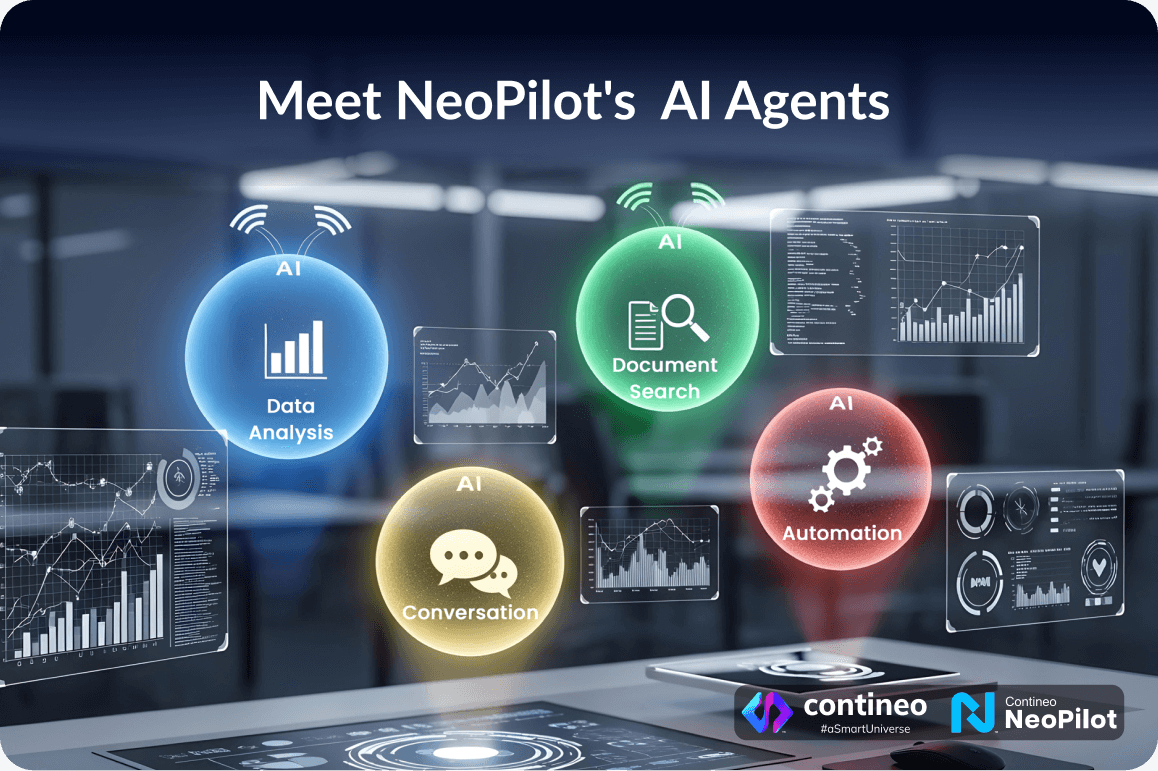
Building AI agents from scratch can feel overwhelming. How to easily turn your ideas into working solutions?
NeoPilot solves this problem with a collection of sample agents that show you exactly how this is possible – which will help create your own agents. It also supports chat based application development which you can use to build applications for your tailored use case.
NeoPilot comes with a variety of pre-built agents that demonstrate different capabilities. Think of them as examples you can learn from and templates you can modify for your own needs.
You can also use NeoPilot Agent Builder to create your own agents simply by chatting—just describe what you need, and the NeoPilot Agent Builder will build the agent for your task.
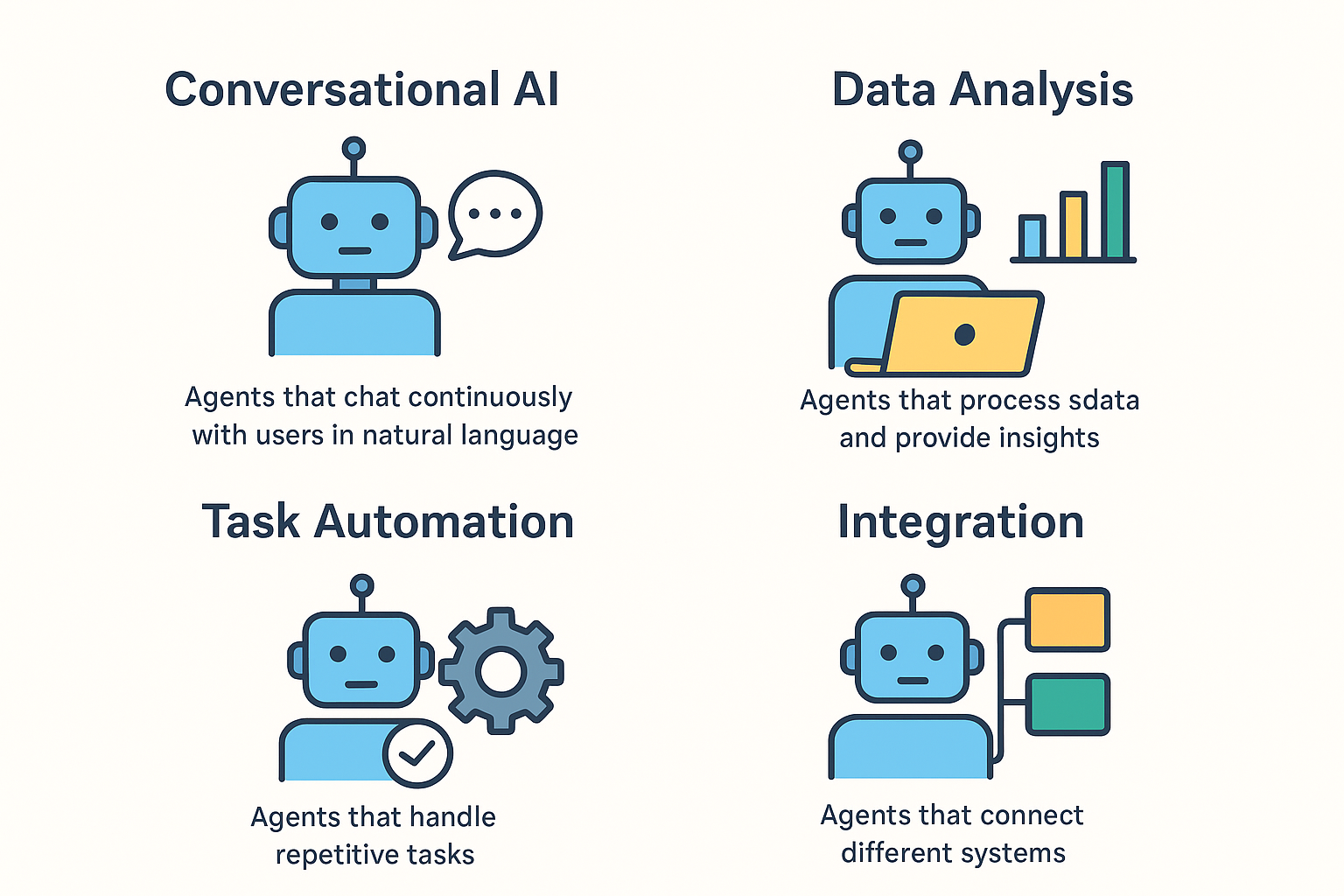
NeoPilot Sample Agent Capabilities
Business Agents
- Financial Adviser Agent: Analyzes your financial data and provides insights
- Financial Data Analyst Agent: Processes financial information and generates detailed reports
You can refer these agents to implement data processing and gather insights.
Planning Agent
- Chat and State Management (Exercise & Meal Planner Agent): Creates personalized fitness and nutrition plans while remembering user preferences across conversations.
You can refer these agents to implement chat and state management.
Data & Document Agents
- Vector RAG Query Agent: Searches through your documents and finds relevant information instantly
- Vector RAG Upload Agent: Organizes and stores your documents for intelligent searching
- View Vector Collection Agent: Manages and displays your document collections
- Contineo Entity Data Agent: Handles data insertion in your Contineo application
You can refer these agents for the implementation of RAG with Vector database in your agent or application.
Communication & Media Agents
- Send Email: Automatically sends personalized emails based on triggers or schedules
- Image Query or Analysis Agent: Analyzes images and answers questions based on content
You can refer these agents to understand tool calling and image analysis.
System & Technical Agents
- Execute Pipeline and Check Logs: Runs automated processes and monitors system performance
You can refer this agent to test your built pipeline and check logs for the same.
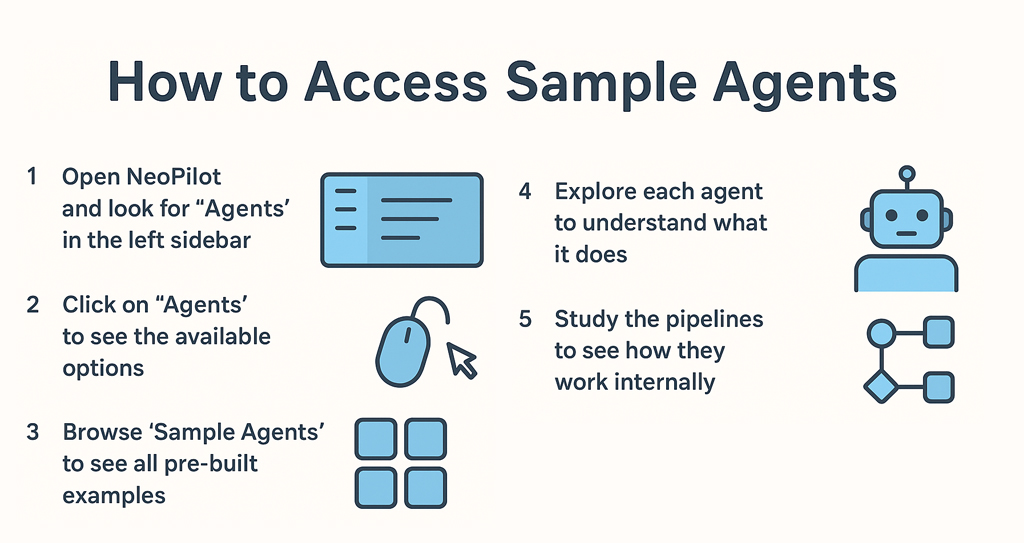
Each sample agent comes with its complete agent flow and pipeline – the step-by-step logic that makes it work. This means you’re not just getting a working agent; you’re getting a learning resource that shows you exactly how to build similar agentic solutions.
Here’s how you can use these sample agents:
Start Small: Pick a sample agent similar to what you need
Learn: Study how it works and what makes it effective
Modify: Use NeoPilot Workspace to customize it for your needs
Expand: Add new features or combine multiple agent capabilities Deploy: Launch your personalized agent in our Marketplace for real-world use
Ready to Build Your Own?
Whether you need financial insights, document management, or automated workflows, these ready-made agents give you the perfect starting point.
No need to build from scratch—just explore, learn, and create your own agentic solutions.
Sign up with NeoPilot today to build your agentic solutions.